
It can be appended when we perform a workflow that it blocks because a user has without authorization. In this scenario, the system will return an error like this:
Stopped (error): X++ Exception: Work item could not be created. Insufficient security permissions for user HGMS09. Please review the user’s security permissions to ensure they are sufficient for this workflow document and then resume the workflow.
So, it’s a question of security roles: D365FO checks that the user has the correct duty to interact with the workflow. To solve it, you can follow two alternative different ways:
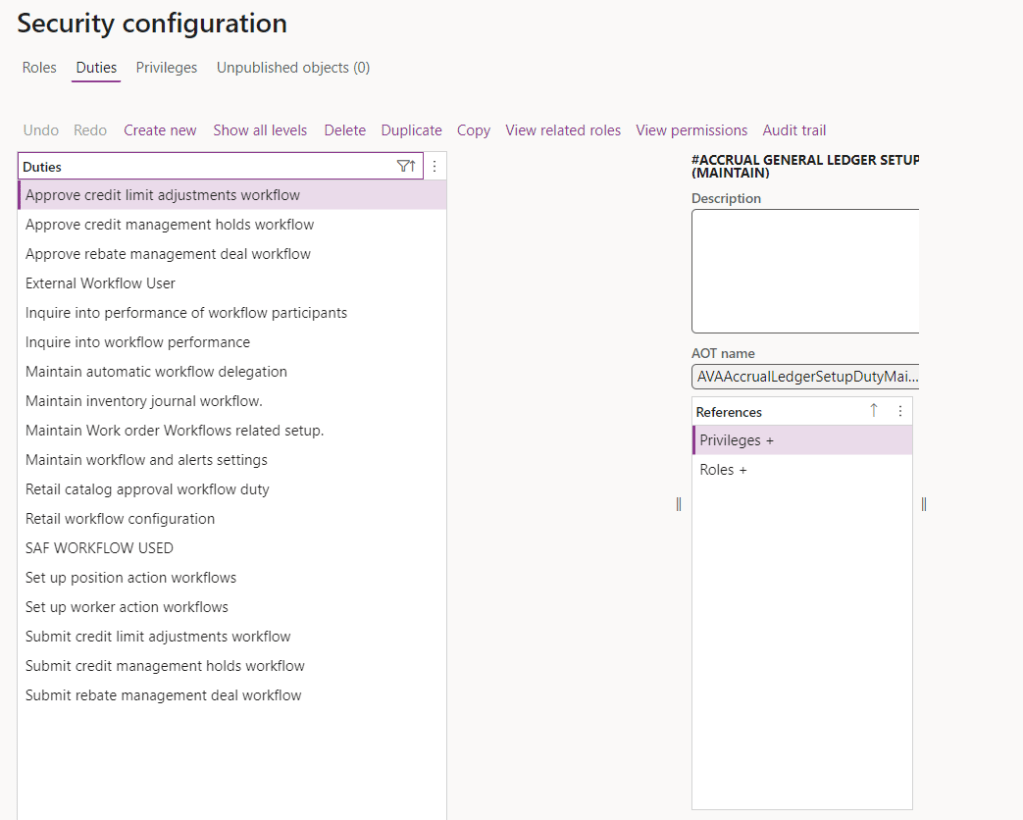
- Base the person identification involved in the workflow with new security rules, and allocate it to your user.
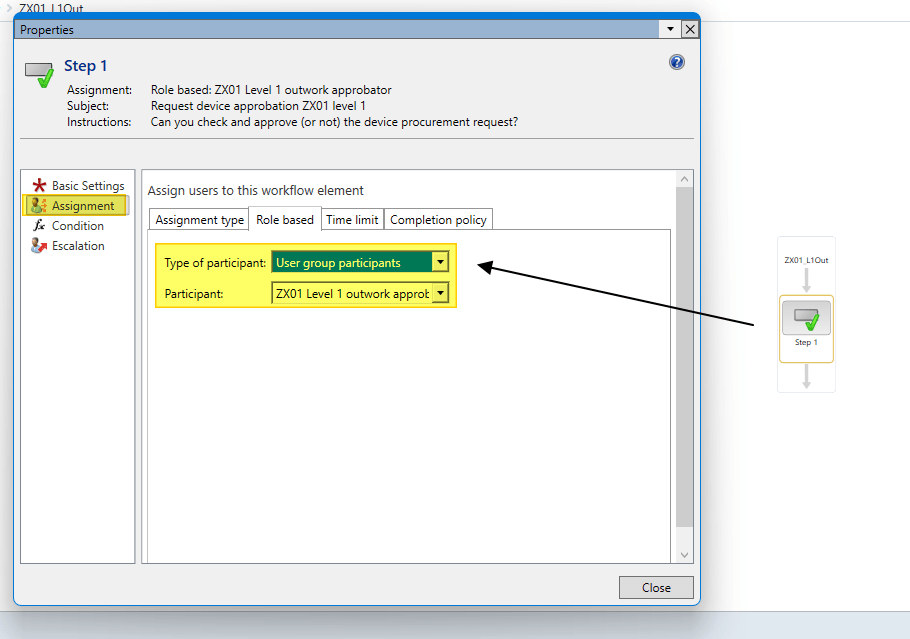
- Identify the duty and rules used by your workflow, and allocate it to your user.

 Dax365FO
Leave a comment