
Business requirement
Sometimes, the products are related between them. For example, some products can be an alternative to other ones. So, in this case, we need to establish a related relationship between them.
MD365FO Solution
Configuration
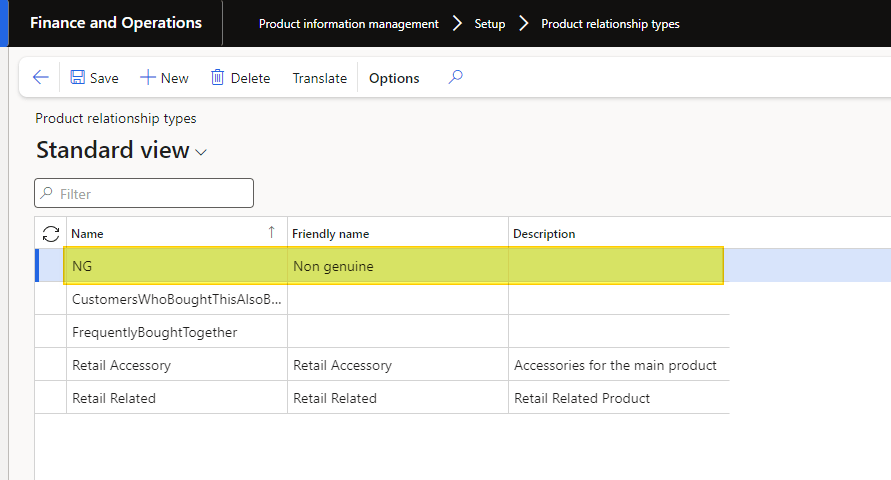
Go to: Product information management> Setup> Product relationship types.
Set the new relation to use:
Process
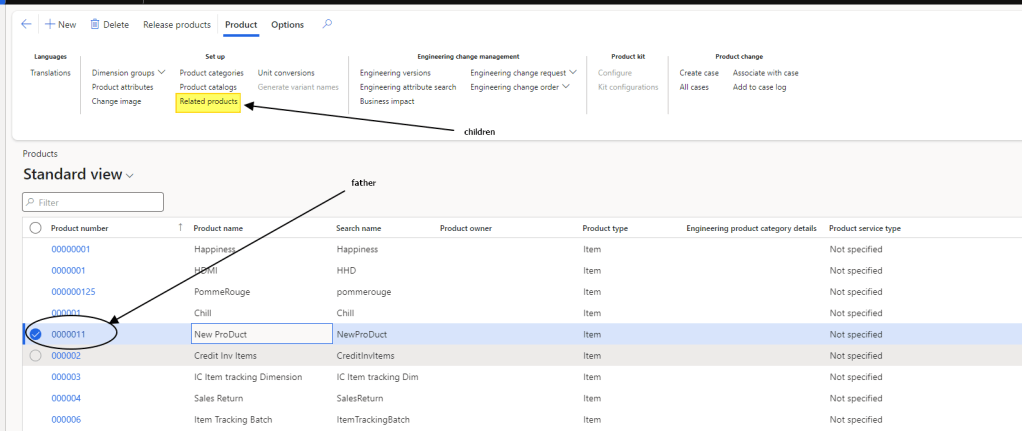
Go to: Product information management> Products> Products.
The relation is set on the product level. Select a product; this one will be the father of your relationship. Then press the button “Releted product” to inset the children’s product:
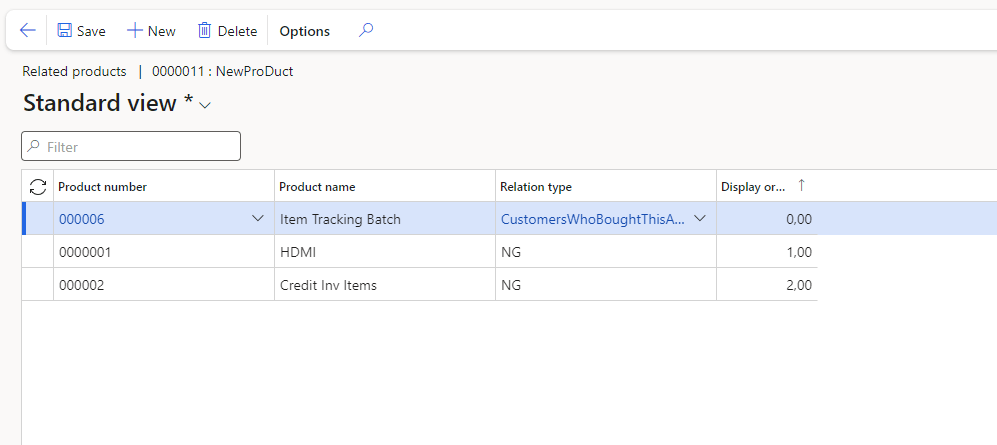
Insert the relation between the two products and insert the children’s relation. If you want, you can also insert the display order value that you want to see the relation.

 Dax365FO
Leave a comment