
Business requirements
Where the request is to handle direct the vendor payment by check. There is no postdated check, so the transaction can be considered directly issued.
D365FO solution
Business process
Here, you can find the business process to create a check payment:
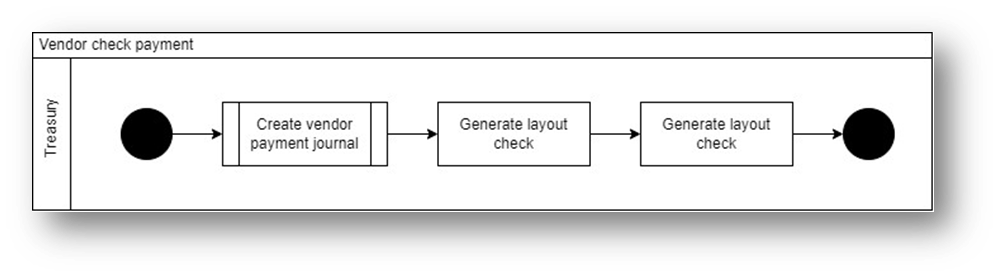
Below are the details of the activities:
| Activity | Description | Owner | System |
| Process: create vendor journal | This activity refers to the current process to follow on the vendor payment. Here, we create your vendor journal | Treasury | D365FO |
| Generate layout check | Generate and print the check | Treasury | D365FO |
| Process: Post vendor journal | This activity refers to the current process to follow on the vendor payment. Here, we post your vendor journal | Treasury | D365FO |
The accounting matrix is this one:
| Event | Main Account | Debit | Credit |
| Post vendor journal | Vendor | 1200 | |
| Post vendor journal | Bank | 1200 |
Below are the activities to follow on the system:
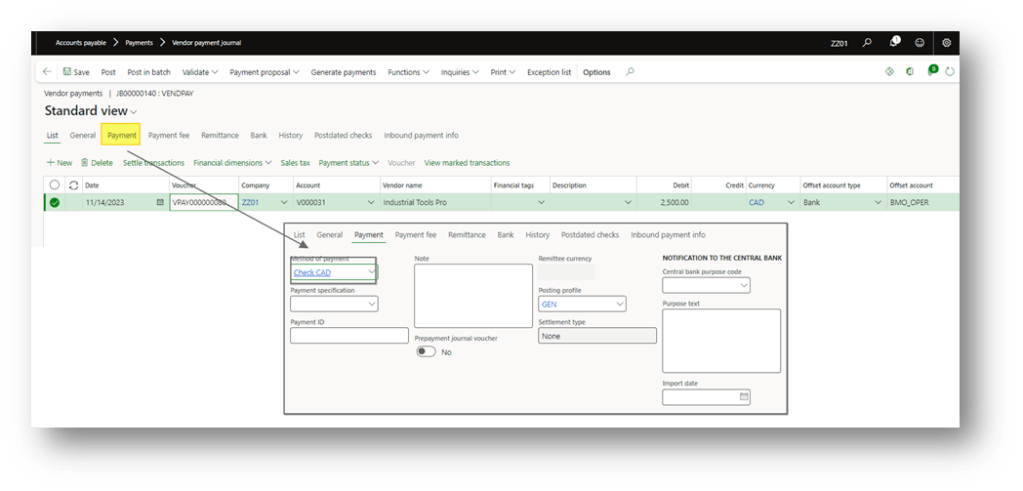
Create vendor journal
Go to: Account payable> Payments> Vendor payment journal.
Create your journal and select the payment method for the check.
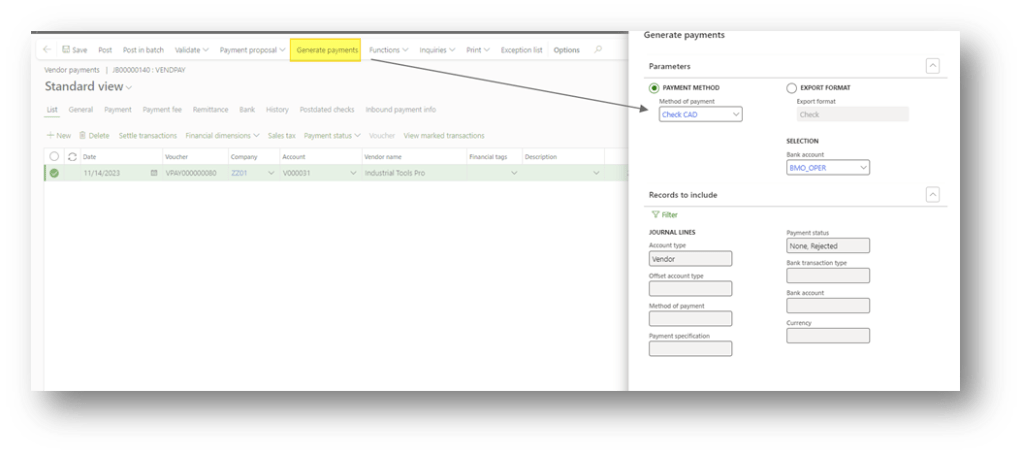
Generate layout check
Click in Generate Payments, select check the payment method and bank involved in the generation:
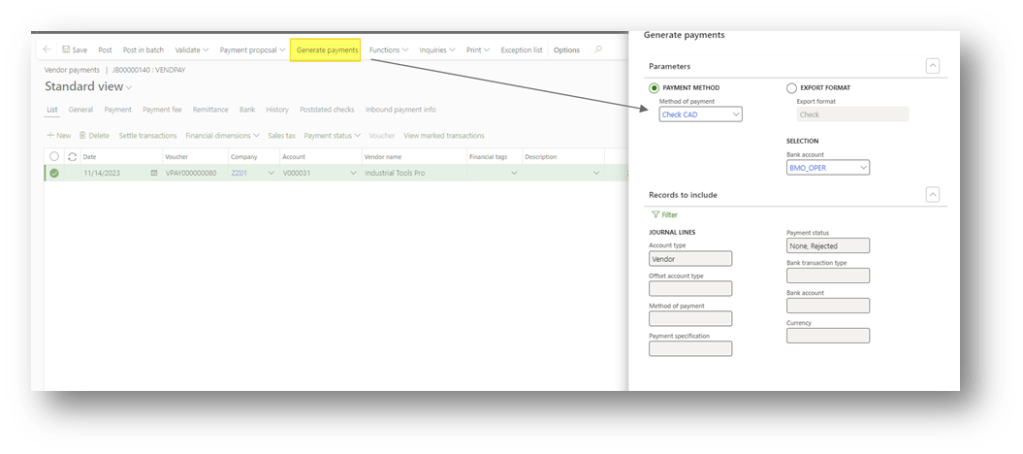
You can consider the activities ended when the system releases a check number and the payment status is “sent”:
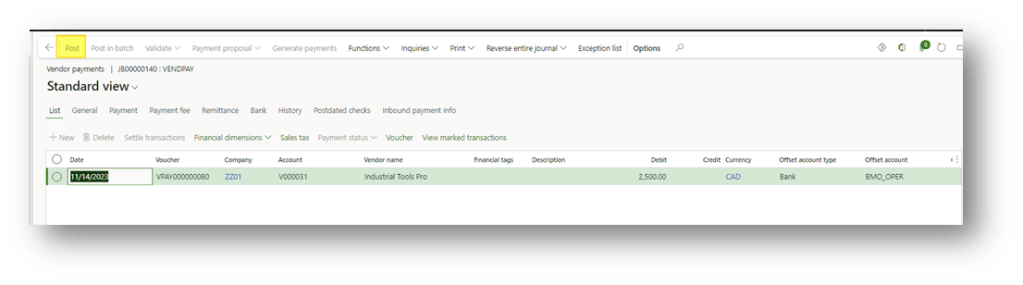
Post vendor journal
Now, you can post the payment journal.

 Dax365FO
Leave a comment