
Business requirements.
When we perform a fast closing, we need to make an entry that should be reversed. That is because those entries are used only to perform intra-period closings. D365FO offers the possibility of automatically posting the reverse. This way, the user can only focus on registering the entry without looking at the reverse.
Business process
Create general journal
Go to: General Ledger> Journal entries> General journals.
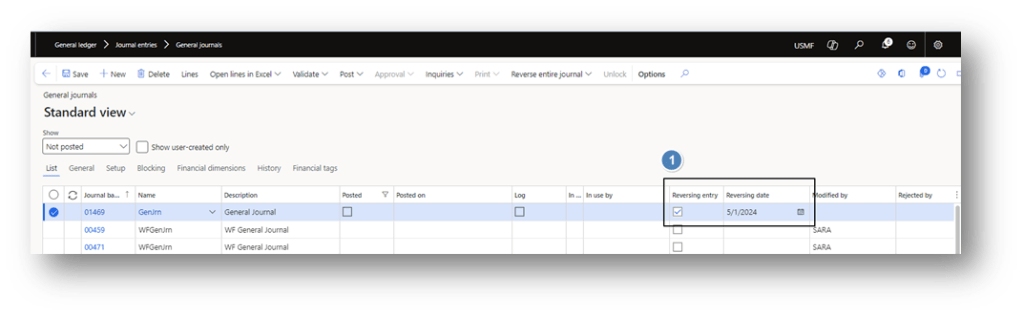
Create the journal. Before jumping on the lines, we indicate to the system that it should perform an automatic reversal at a specific date.
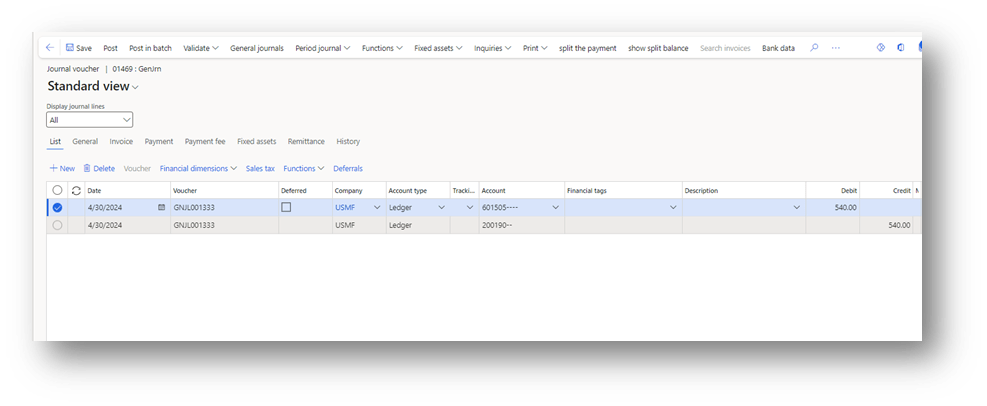
Continue to enter the journal lines as usual:
Post and automatic reversal
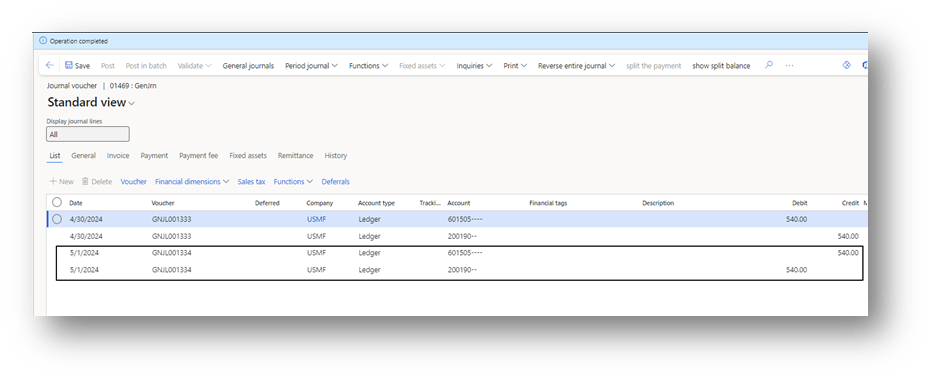
When we post the journal, D365FO will automatically post the reverse entry at the date indicated on the header:

 Dax365FO
Leave a comment