
In this configuration, we can choose the review condition and invoice capture header and line field that we will see during the process.
Review condition
After the reading, the Invoice capture gives a score at each field about estimating the correct reading. The review condition is the maximum score that each file can have to signalize an alert like “OK,” “Warning,” or “Error.”
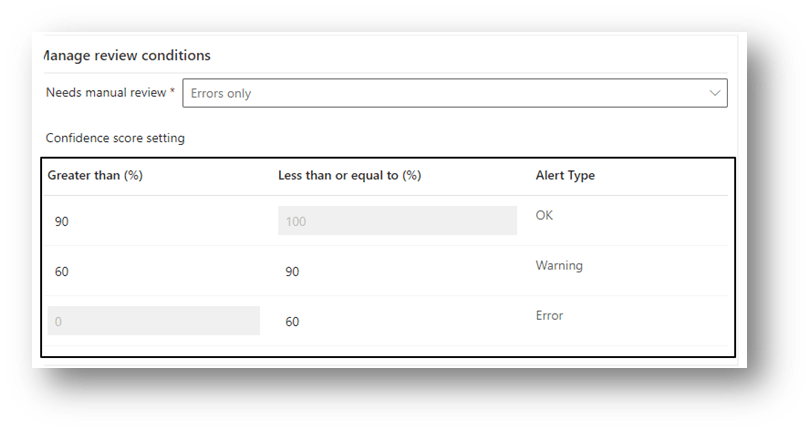
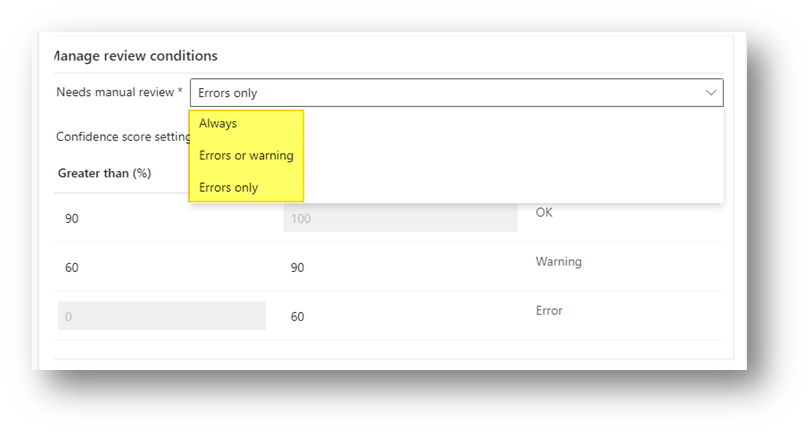
We can also set, if we want to have a manual review from the user:
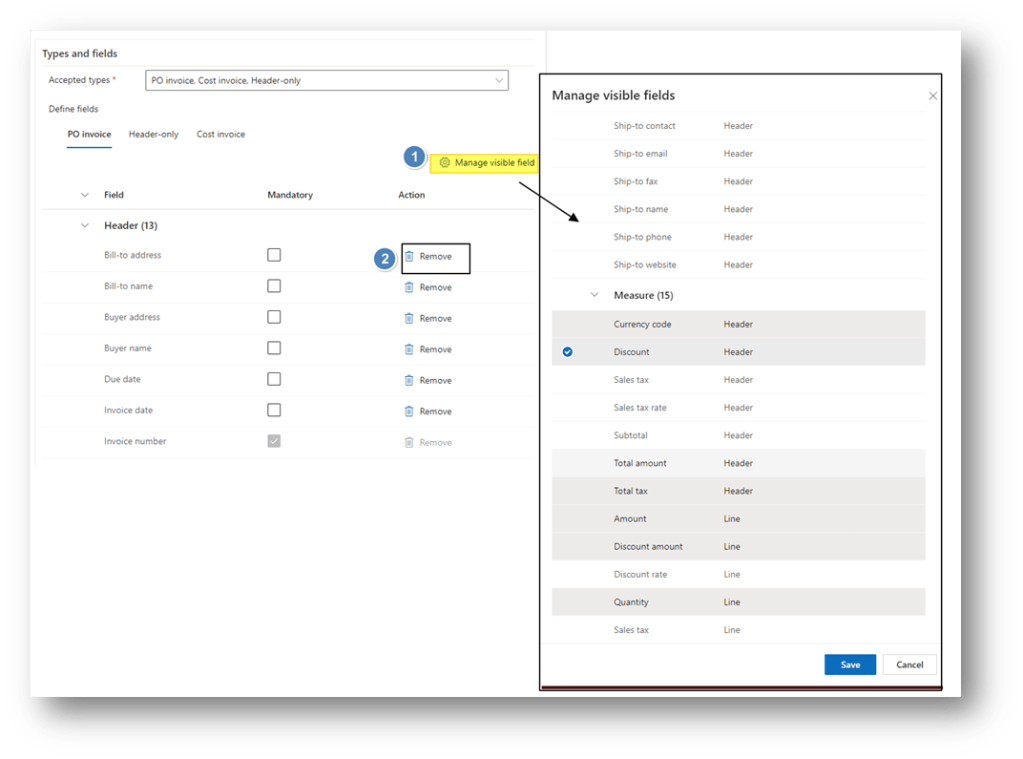
Fields management
We can decide if to add a new field (click on Manage visible field) or remove it:
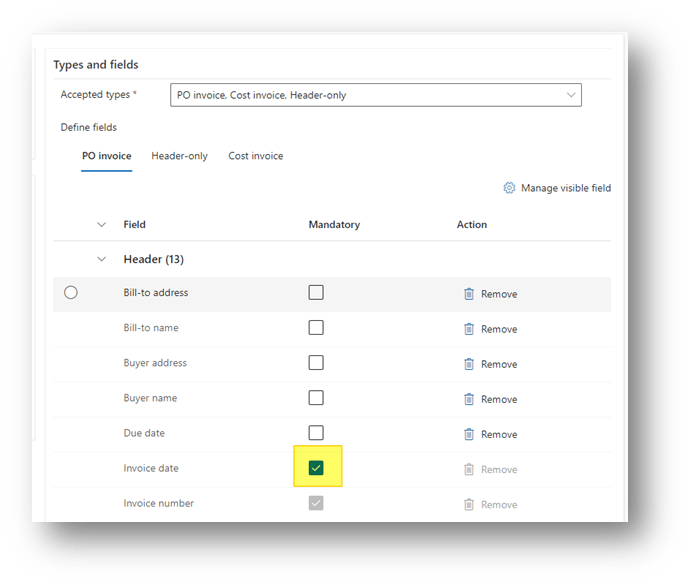
We can also decide if a field is mandatory or not:
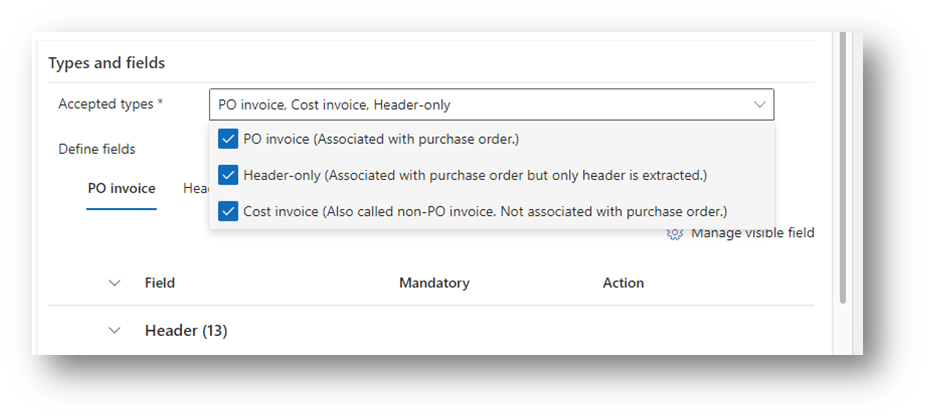
Lastly, we can decide if the configuration group is applicable for the PO Invoice, PO just header or/and cost invoice.
Allocation configuration
The configuration should be allocated on the system with generic rules:
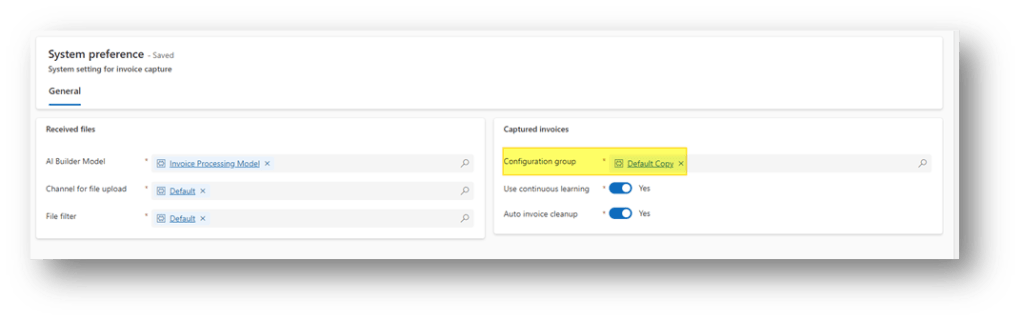
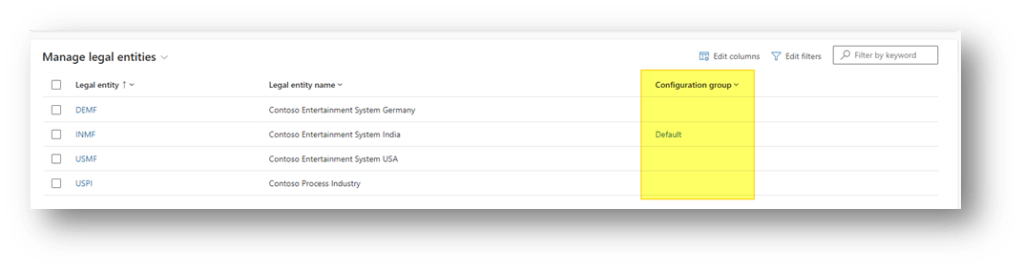
However, we can also allocate the configuration group to the legal entity or the vendor.
Legal entity
Vendor
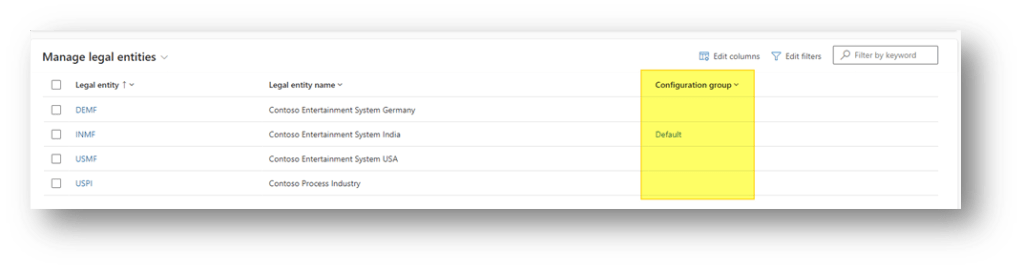
In case of conflict, the more detailed configuration wins over the more generic one. So, we apply firstly the configuration from the vendor first, then from the legal entity, and lastly, if there is nothing, the system will use the default configuration.

 Dax365FO
Leave a comment