
In the previous article, we introduced UML for ERP implementations. Now, let’s explore a communication diagram through an example and see how it can help us during implementation.
The communication diagram is one of my favorites during the implementation phase. It’s similar to the component diagram, with the key difference being that it focuses on the messages communicated between system elements. It provides valuable clarification of the integration landscape.
Let’s look at an example. We are producing items, and for the anti-counterfeiting, certification, we need to add a label to our products. The certification number on this label is obtained from a specific API service. We use this reference number to store related product data (such as BOM, production site, etc.) into a dedicate website consultable from our end-customer. During production, D365FO should trigger a special printer to print the certification label on specialized holographic paper, incorporating the reference number.
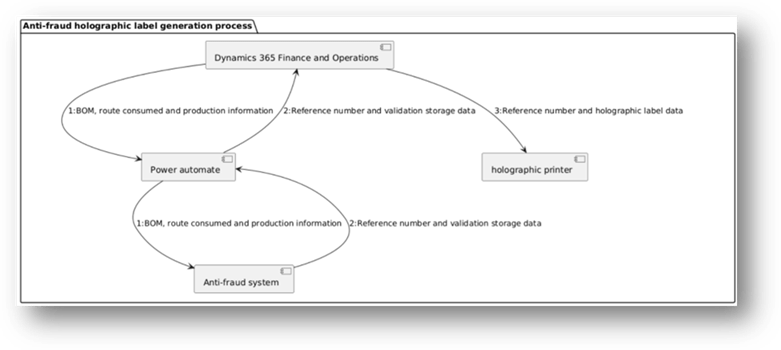
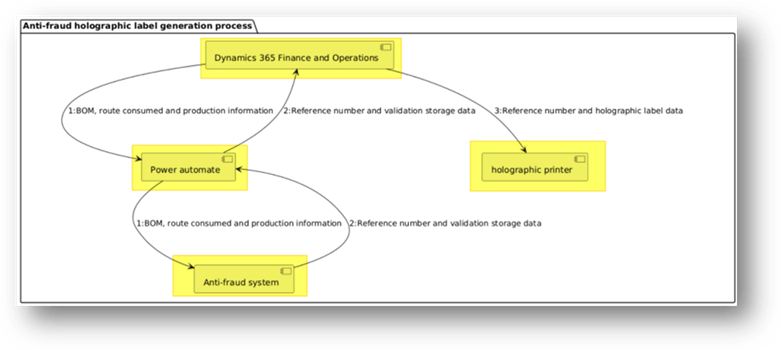
The main elements of a communication diagram are the objects (or components) that interact with each other.
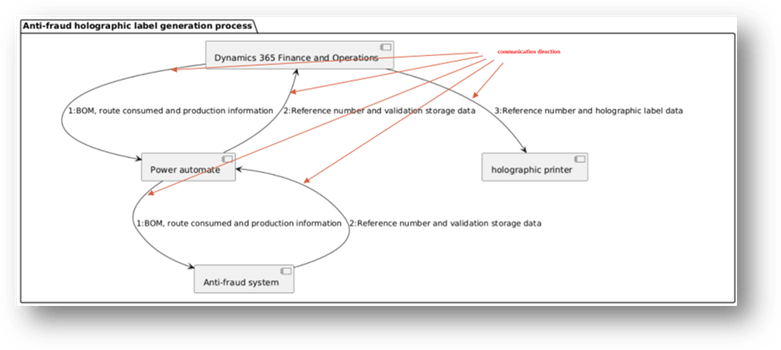
The connections indicate the relationships and the direction of communication.
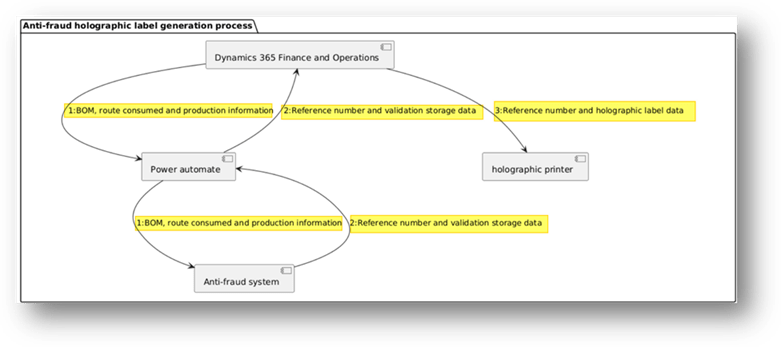
Finally, the messages represent the actual communications exchanged. It’s important to include sequential numbering on these messages to clearly show the order of interactions and understand how the integration flows
PlantUml code
For reference, here is the PlantUML code used to generate the diagram (note: this is the same from the code used for the component diagram).
@startuml

package "Anti-fraud holographic label generation process" {

component "Dynamics 365 Finance and Operations"
component "Power automate"
component "Anti-fraud system"
component "holographic printer"


"Dynamics 365 Finance and Operations" ---> "Power automate": 1:BOM, route consumed and production information
"Power automate" ---> "Anti-fraud system": 1:BOM, route consumed and production information
"Anti-fraud system" ---> "Power automate": 2:Reference number and validation storage data
"Power automate" ---> "Dynamics 365 Finance and Operations": 2:Reference number and validation storage data
"Dynamics 365 Finance and Operations" ---> "holographic printer": 3:Reference number and holographic label data

}
@enduml
 Dax365FO
Leave a comment