
It’s possible to create a budget plan based on the information in the fixed asset module. The user will insert the forecasted transaction of their fixed asset in a specific journal type. D365FO will then use this information to create a budget plan.
In another paper, we will explore how to release that transaction and perform the budget control for the asset. For now, we will just focus on the planning process.
The activities for planning the fixed asset are:
- Insert future transaction
- Generation of the budget planning
Insert future transaction
Go to: Fixed assets> Budget> Fixed asset budget journal.
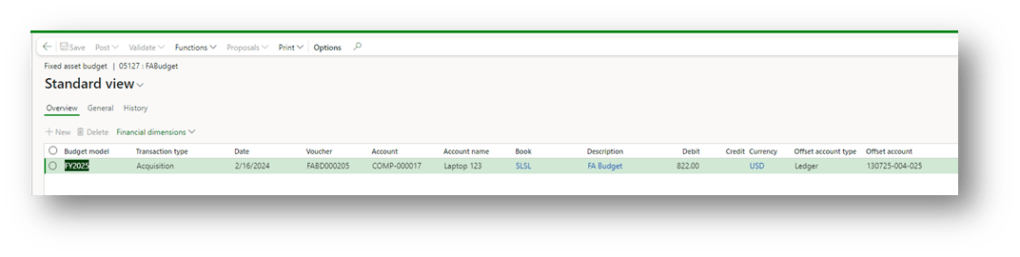
We can create a budget journal, insert the budget model and insert the forecasted transactions.
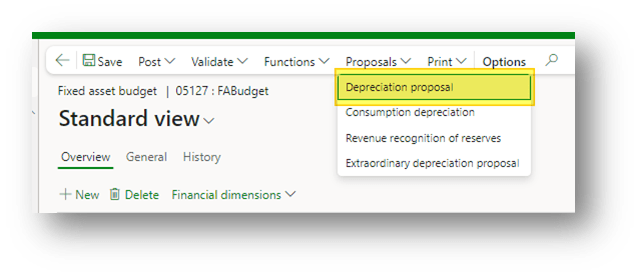
Like the other fixed asset journal, we can use the dedicate function to asking a depreciation proposal:
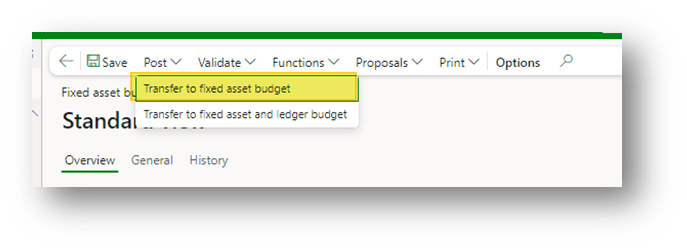
When we finish, press “Transfer to fixed asset budget” to confirm the entry (avoid the second option because it will create a real general entry):
View future transactions
Go to: Fixed asset> Budget> Fixed asset budget.
We can see from here the forecasted fixed asset transaction that D365FO will use to calculate the budget planning:
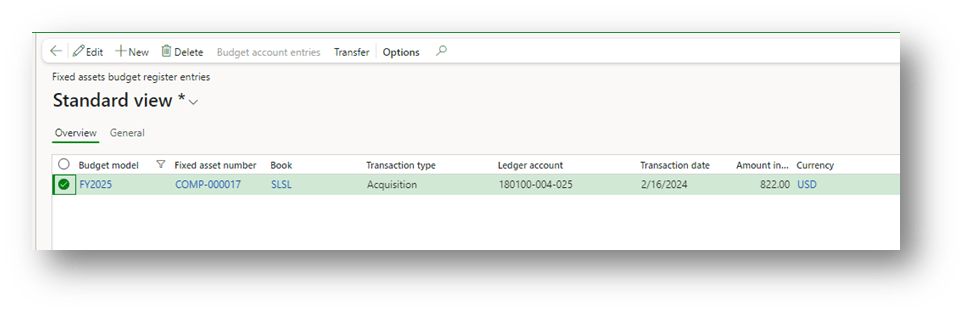
Note: The function “transfer: isn’t used during the planning. It’s to transfer and use the forecasted transaction to generate a real general ledger entry.
Delete transaction
Go to: Fixed Asset> Budget> Delete fixed asset budgets.
In case of an error, we can delete the forecasted transaction inserted. Select “Delete budget register entries in Fixed asset”, insert the filter criteria to recognize the transaction, and at the end launch the cleaning:
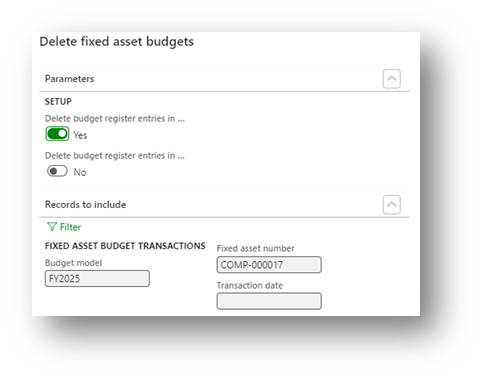
Generate budget
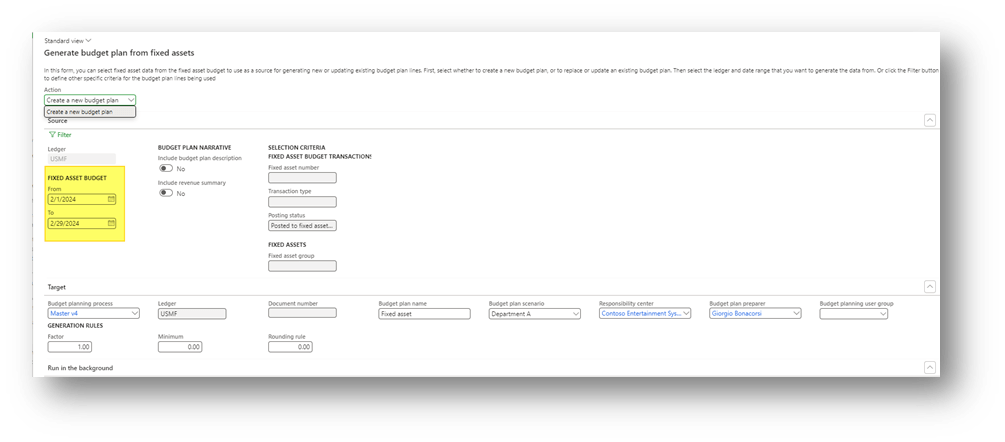
Go to: Budgeting> Periodic> Generate budget plan from project forecast.
Here, select our date range regarding the forecasted transaction and launch the procedure:
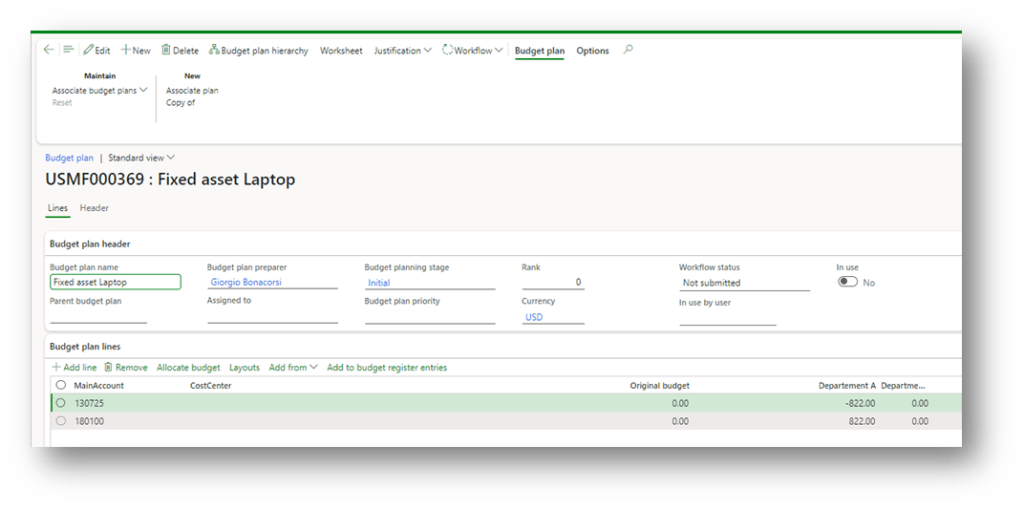
As we can see, D365FO recovered the forecast transaction to build a proposition:
Configuration Note
Fixed asset journal
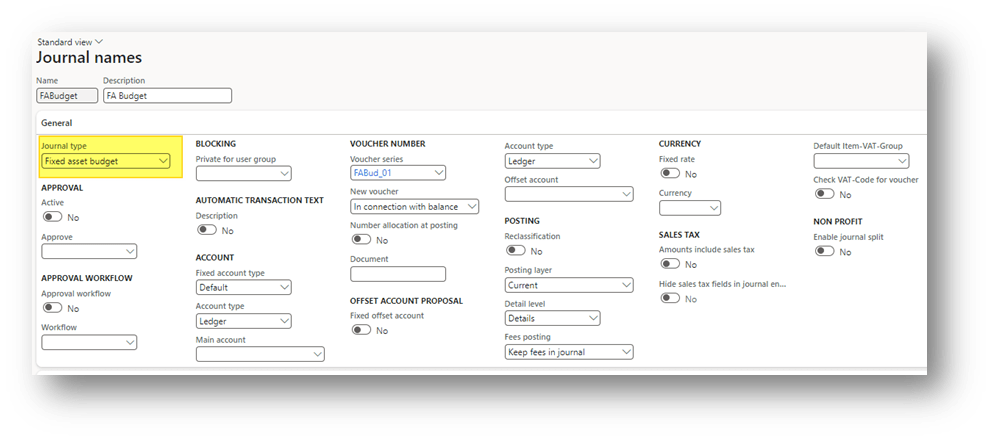
Creating a journal dedicated to the fixed asset forecasted transaction like a regular general journal. Just ensure that the posting type is “Fixed asset budget”:


 Dax365FO
Leave a reply to Budget solution landscape – Dax365 Cancel reply