
D365FO solution
Usually, we build a report on the sandbox to do the proper testing and modifications. But, when we have finished, the necessity to move it from the sandbox to another environment rises up. Hence, this article briefly explains how to copy and pass a financial report from one environment to another.
Copy financial report
Go into your source environment, and copy open the financial report editor. To proceed with the copy:
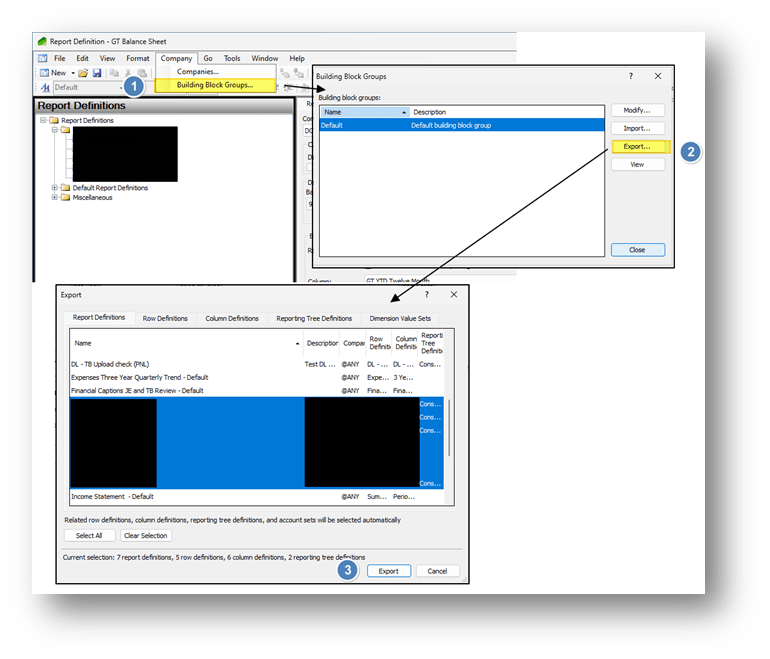
- Select “company>Build Block Group;
- Select our group and press “Export”
- Select the reports and then press “Export”:
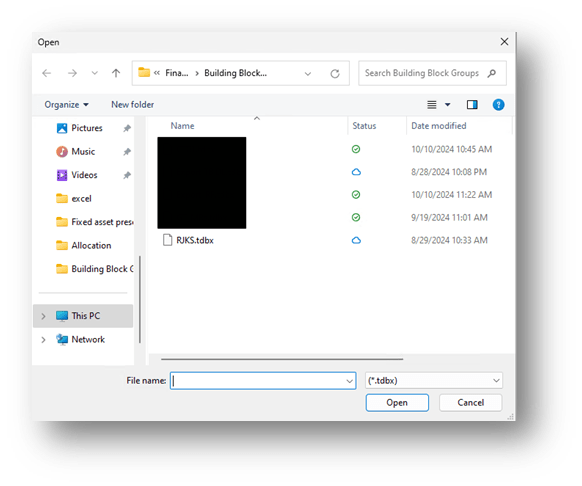
- Choose a name for the export file and process:
Paste financial report
Go into your source environment, and copy open the financial report editor. To proceed with the paste:
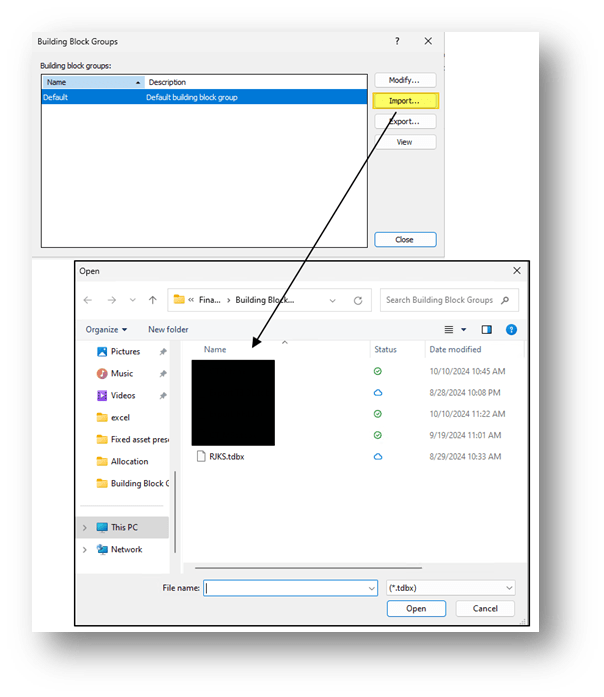
- Select “company>Build Block Group;
- Select our group and press “Import”;
- Select the file and confirm the import:


Leave a Reply